How do you install a robotic lawn mower?
Plan the mowable lawn and hazards, position the charging station, install the model’s boundary or mapping system, then verify mowing and return-to-charge in every connected area. A wired mower needs a correctly laid perimeter loop; a wire-free mower needs the positioning, edge recognition and mapping conditions specified for its exact model. Removing boundary wire does not remove setup work.
This is a planning and commissioning guide based on manufacturer documents, not a hands-on installation test. Use it alongside your regional manual. It does not replace the model’s safety instructions, wiring diagrams or clearance measurements.
1. Survey the lawn before choosing the dock
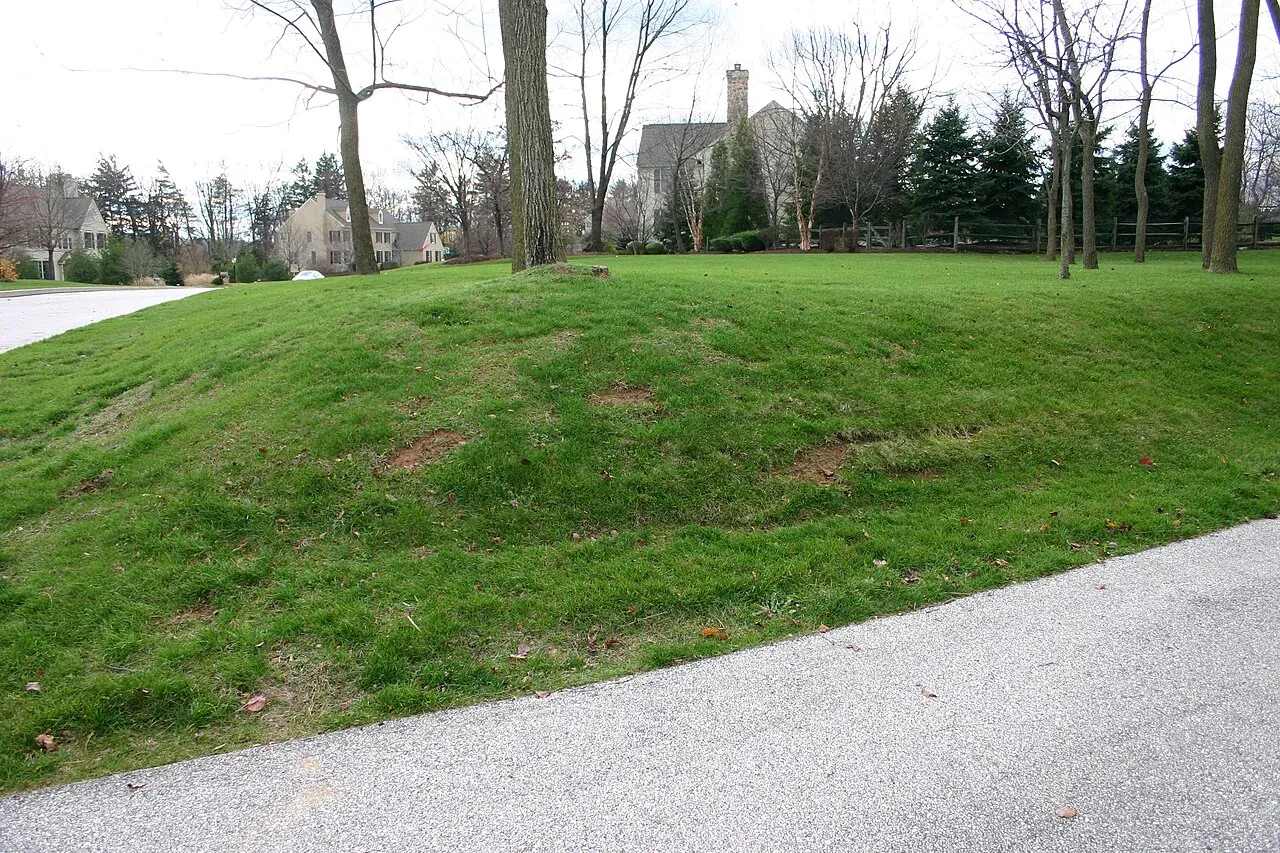
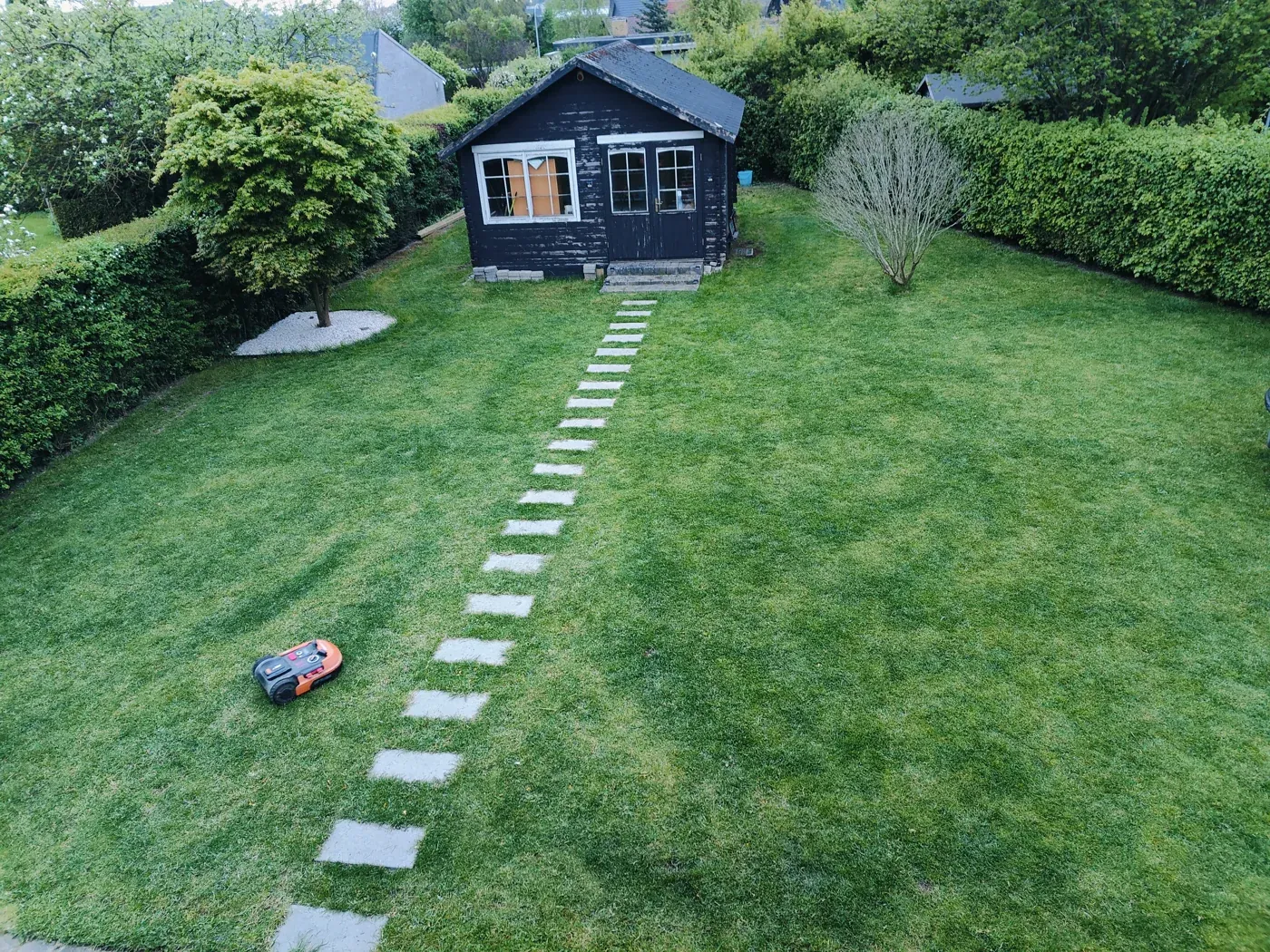
Sketch the actual grass area, not the whole property. Mark gates, passages, separate lawns, slopes, trees, flowerbeds, ponds, roads, irrigation and the available power outlet. Decide which areas the mower can reach through a permitted route and which would require carrying it under the manual’s instructions.
Clear loose objects and prepare grass to the model’s initial-cut requirements. For example, Navimow’s i-series preparation page distinguishes regional starting grass heights and instructs owners to remove debris and keep children and pets off the lawn. Read the Navimow i preparation checklist rather than applying its measurements to another series.
Identify hazards that need a physical barrier. The Automower 305/310 Mark II/315 Mark II manual requires a barrier at least 15 cm (6 in) high between the boundary wire and water bodies, slopes, precipices or public roads. That is a requirement for those documented models, not a universal safe height for every garden. Check the model’s installation and safety chapter before allowing operation near a hazard.
2. Identify the installation system
| System | What you install or configure | Key check |
|---|---|---|
| Physical boundary wire, such as Automower 310 Mark II | Charging station, perimeter loop and guide wire as specified | Model-specific edge offsets, passages and return route |
| Virtual boundary with local antenna, such as the documented Navimow i setup | Dock, antenna, app pairing, boundaries, off-limit zones and channels | Suitable satellite signal and a verified map |
| Compatible EPOS via Husqvarna Cloud | Dock, supported regional cloud correction service and virtual areas | Stable internet across the work area; model-specific sky-view requirements |
| Worx Landroid Vision setup documented here | Dock and prepared lawn edges; magnetic strips where required | Grass-connected areas and hazards that vision alone may not exclude |
Husqvarna documents both cloud corrections and a local reference-station option. Cloud availability varies by market and needs stable connectivity throughout the work area; its local-station option does not require internet for navigation. These distinctions do not apply automatically to another manufacturer’s network service. Check EPOS model and regional requirements.
The Worx guidance cited here is for Landroid Vision. Do not transfer it to Landroid Vision Cloud or a wired Landroid generation. Our GPS, RTK and vision explainer covers navigation choices; the wire-free mower guide helps assess fit before purchase.
3. Place the dock for reliable entry and charging
Choose a level, supported surface and the specified clear approach to the dock. Follow the manufacturer’s power-supply and low-voltage cable instructions; do not splice or improvise an extension to make a poor location work. If suitable outdoor power is absent, have a qualified installer provide it under local requirements.
Docking clearance is not one universal number. Husqvarna’s general placement guidance specifies different space for physical-wire and EPOS installations. Worx’s Landroid Vision base guide specifies a 2 m straight approach along the lawn edge, free of obstacles and sparse grass. Use the guide for the exact dock and installation type. Husqvarna dock guidance · Worx Vision dock guidance.
A cover must leave docking access, ventilation and the required signal conditions intact. Evaluate a shelter only after choosing a workable dock position; see our robot mower garage guide.
4. Set boundaries using the correct branch
For a wired mower
Lay the loop with the edge offsets required for each obstacle type. A raised wall, shallow edging and flush paving can require different setbacks. Plan islands and passages using the model’s diagrams; do not copy a distance from a different mower.
On the documented Automower models, the boundary defines the work area while a guide wire assists travel and return. Husqvarna’s guide-wire instructions call for the station to be unplugged during installation, compatible wire and connectors, calibration, and a docking check afterward. Follow the guide-wire installation instructions. Keep an annotated photograph or sketch of wire and connector locations for future repairs.
For app-mapped virtual boundaries
Confirm the dock and any antenna or correction connection work before recording the map. In the documented Navimow i workflow, install the dock and antenna, pair the mower in the app, then use Create Map and its guided steps. Record boundaries, off-limit zones and channels according to that model’s instructions. Navimow i mapping guidance.
Check positioning on the route behind buildings and under trees as well as in the open centre of the lawn. Treat repeated signal loss as a setup problem to investigate with support, not something to mask by extending a boundary nearer a hazard.
For vision-based lawn-edge recognition
Inspect the whole edge for grass that continues into a neighbour’s lawn, protected beds or excluded ground. Worx’s Landroid Vision guidance calls for magnetic strips or specified edge preparation in situations where grass recognition alone is insufficient, including certain ponds, pits and adjacent lawns. Review its magnetic-strip diagrams. A marketing label such as “boundaryless” is not permission to omit those checks.
5. Commission it before enabling a routine schedule
Use the manufacturer’s test procedure first. Husqvarna’s wired-installation docking guide asks owners to test boundary and guide following, including each guide where several are installed. It treats a return as successful when the mower follows the wire and docks on the first attempt; repeated retries need troubleshooting. See the docking test procedure.
Then use this practical acceptance log. These are RobotMyHome planning prompts; exact tests, operating conditions and safe observation distances come from your manual.
- Edges and exclusions: every mapped or wired boundary corresponds to the intended area; all required barriers are in place.
- Access: each intended zone and permitted passage can be reached without intervention.
- Return: test return-to-charge from the more difficult connected areas, not only beside the dock.
- First mowing: check for missed areas, repeated stoppages, loss of positioning and docking retries.
- Record: note the model, firmware, map/installation date, failed location and corrective change.
If any area fails, pause its scheduled use and follow the relevant troubleshooting instructions. Once operation is established, use our blade inspection and replacement guide to plan maintenance.
Installation questions
Can I install a robot mower myself?
Use the manufacturer’s installation policy and the site’s complexity to decide. Husqvarna currently requires dealer reference-station installation for Aspire R6V, 308V and 312V; it lists self-installation or dealer installation for other wire-free models. Do not infer that every mower is a DIY product. Unresolved hazards, difficult access or new electrical work are reasons to involve an installer.
How long does installation take?
There is no defensible single duration for every lawn. Wire length, islands, separated areas, usable power, positioning coverage and troubleshooting determine the job. Ask an installer to scope those tasks and commissioning explicitly, rather than quoting only the time to place the dock.
Does wire-free mean I need no antenna?
No. Some systems use a local antenna; others use a supported network service or another navigation approach. Confirm the exact regional model, included hardware and connectivity requirements before planning a mount.
Sources and research method
Official documents checked 14 October 2026. Examples retain their model and regional scope. We have not physically installed or tested these systems. We omit universal wire depths, antenna heights, installation prices and completion times because they cannot be safely generalized across the documented products.
- Husqvarna: Automower 305/310 Mark II/315 Mark II operator manual, revision 16 March 2026
- Husqvarna: charging station placement for wired and EPOS installations
- Husqvarna: guide-wire installation and calibration
- Husqvarna: EPOS cloud corrections versus a local reference station
- Segway Navimow i: lawn and signal preparation
- Segway Navimow i: creating boundaries, exclusions and channels
- Worx Landroid Vision: charging-base placement
- Worx Landroid Vision: magnetic strips and lawn-edge conditions
- Husqvarna: testing boundary/guide following and docking
Explore the Robot Lawn Mowers hub and our research method.
Still choosing a mower for a compact layout? Use our small-yard fit checklist and research shortlist before reserving the dock and boundary route.